
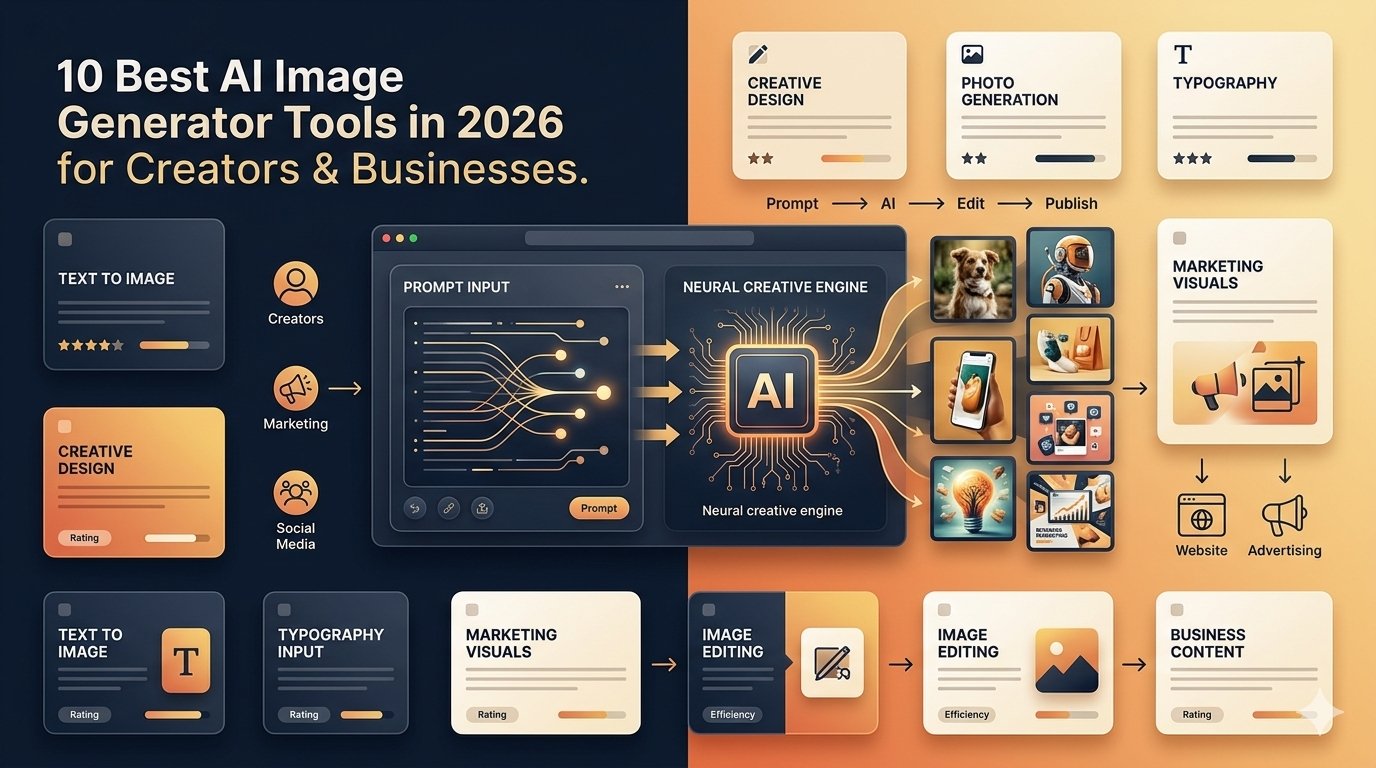
Not long ago, getting a decent image for an article meant one of three things: opening Photoshop and fighting with layers, scrolling through stock-photo sites hoping something came close, or waiting on a designer. None of those routes is bad. They just eat time, and most people creating content don't have much of it.
AI image generators have changed that. You can describe what you want in a couple of sentences and get something usable in minutes. If it isn't right, you adjust it, try another style, remove an object, or scrap the idea and start over. That loop of ask, look, tweak, and repeat is what makes these tools so handy.
They've also moved well past the "fun experiment" stage. Bloggers use them for featured images, marketers use them for campaign visuals, startups sketch product concepts with them, and creators lean on them for social media content. Below are ten of the best AI image generator tools in 2026, and what each one is actually good for.
What Is an AI Image Generator?
An AI image generator creates or edits pictures using artificial intelligence. You give it an instruction, usually called a prompt, and it produces an image to match.
Instead of hunting for a stock photo that's almost right, you can get something built for your article. The first attempt won't always be perfect, and that's normal. What matters is that nearly every modern tool lets you keep refining.

Why Everyone Is Using Them
The main reason is simple: they save time.
A small business owner may need a social graphic today but have no designer on call. A blogger might want a custom featured image for every post. A startup may want to look at several visual directions before committing to a campaign. AI handles that early creative groundwork well.
Common uses include:
- Blog featured images
- Social media graphics
- YouTube thumbnails
- Product concepts
- Website illustrations
- Advertising ideas
- Presentation graphics
- E-commerce visuals
- Creative experiments
If you're building content around AI and SaaS, the AI Listingo AI & SaaS Blog has more ideas and resources.
10 Best AI Image Generator Tools in 2026
1. ChatGPT Images
For many people, the easiest way in is through a chat window, and that's what ChatGPT Images offers. You can create new images or edit existing ones just by describing what you want. The latest update, ChatGPT Images 2.5, focuses on sharper detail, more precise editing, and faster generation, and it supports different aspect ratios.
The real strength is the conversation. Your first prompt doesn't need to be perfect. You can simply say, "Make the background cleaner." Then, "Remove the people." Then, "Give it a more professional SaaS look." Each follow-up builds on the last, which makes it friendly for bloggers, marketers, and business owners who've never written an image prompt before.
Good for: blog images, marketing visuals, social content, image editing, creative concepts.
Official: ChatGPT Images
2. Midjourney
Midjourney is still a favorite among creators who care deeply about visual style. Its V8.2 release became the default version in July 2026, with improvements to aesthetics, image quality, personalization, and editing.
Where it shines is in images that feel artistic rather than merely functional. If you're working on concept art, editorial imagery, or a campaign where the overall look and mood carry the message, Midjourney deserves a spot on your shortlist.
Good for: concept art, creative illustrations, visual storytelling, artistic projects, campaign concepts.
Official: Midjourney
3. Adobe Firefly
Adobe Firefly is built for creative professionals and businesses that want generative AI sitting inside a larger design workflow. That's a real advantage, because generating an image is rarely the last step. More often, it's the start of something you'll edit, lay out, and polish.
If your team already lives in Adobe products, Firefly can make the whole process smoother, since the generated visual slots right into the tools you use every day.
Good for: graphic designers, marketing teams, creative projects, image editing, Adobe workflows.
Official: Adobe Firefly
4. Ideogram
Anyone who has tried to get readable text inside an AI image knows the frustration. You get a gorgeous poster, and the headline is spelled like a word from another planet.
Ideogram has made text and design a core focus. In June 2026, the company released Ideogram 4.0 as an open-weight text-to-image model with a commercial license, aimed at production-oriented design workflows. For marketing and graphic design work, where words are part of the visual, that makes it especially interesting.
Good for: posters, advertisements, typography, social graphics, text-heavy designs.
Official: Ideogram
5. Leonardo AI
Leonardo AI is built around creative image generation and offers several ways to work with an idea. Its workflow supports text-to-image creation, image transformation, reference images, different dimensions, and a range of style choices.
That flexibility is the point. If you want more control than typing one prompt and accepting whatever comes back, Leonardo gives you room to steer. It works for illustrations and concept art as well as marketing materials.
Good for: illustrations, character concepts, game assets, marketing visuals, creative projects.
Official: Leonardo AI
6. Google Gemini
Gemini has become a solid option for image creation too. According to Google's documentation, users can generate and edit images with Nano Banana 2, and paid subscribers can also use Nano Banana Pro for regeneration.
Like ChatGPT, it works conversationally. You start with a rough idea and keep refining instead of rewriting the prompt from scratch each time. If you already use Gemini for writing, research, or brainstorming, having image creation in the same place is convenient.
Good for: quick visual concepts, content creation, image editing, creative experimentation, general-purpose generation.
Official: Google Gemini
7. Canva AI
Canva has long been the go-to for people who need good-looking graphics without becoming designers, and its AI features fit that approach naturally. You can generate a visual and then keep working on the actual design: add text, change the layout, build a social post, prepare a presentation, or resize it for another platform.
That matters for small businesses, because they rarely need just an image. They need the finished graphic.
Good for: social media, presentations, marketing materials, blog graphics, beginners.
Official: Canva AI
8. Microsoft Designer
Microsoft Designer is another approachable option for anyone who wants good visuals without a complicated workflow. Microsoft says it can generate custom images from text, create social posts, edit images, remove backgrounds, enhance pictures, and resize designs.
That covers a lot of everyday marketing tasks. If you run a small business and need a quick social visual, you probably don't need a full professional design suite. A simple AI-assisted workflow can be plenty.
Good for: social posts, marketing graphics, quick designs, beginners, business content.
Official: Microsoft Designer
9. Recraft
Recraft appeals to people who come at image generation from a design angle. Its platform handles image generation along with vector graphics, mockups, icons, upscaling, and background removal. The V4 family includes both raster and vector models, and the platform also gives access to several other image models.
That makes it useful when you want something closer to a finished design asset than a decorative picture. Think icons, product mockups, brand visuals, or illustrations that will become part of a bigger project.
Good for: graphic design, illustrations, icons, product mockups, brand visuals.
Official: Recraft
10. FLUX
FLUX is a family of image-generation models from Black Forest Labs. Unlike many of the consumer-friendly tools above, it also speaks to developers and technically minded creators, because its ecosystem includes models and tools you can build into your own workflows. The official FLUX repository covers image generation, editing, and documentation for working with the models.
If you want to go beyond a simple web interface and experiment with AI image generation on your own terms, FLUX is worth knowing about.
Good for: AI experimentation, image generation, image editing, developer workflows, custom AI applications.
Official: FLUX
Which Tool Should You Choose?
No single tool is right for everyone. A blogger may care most about speed and simplicity. A designer may want finer control. A marketing team might worry about text rendering and brand consistency.
Here's a quick way to think about it:
| Your main need | Tools worth exploring |
|---|---|
| Blog and content images | ChatGPT Images, Gemini |
| Artistic visuals | Midjourney |
| Graphic design | Adobe Firefly, Canva, Recraft |
| Text inside images | Ideogram |
| Creative control | Leonardo AI |
| Simple business graphics | Canva, Microsoft Designer |
| Developer-focused workflows | FLUX |
Treat this as a starting point, not a ranking. The best choice depends on the work in front of you.

How Businesses Can Put These Tools to Work
AI image generation is most useful when it solves a real problem. Say you run a SaaS startup preparing a product announcement. You might need a blog featured image, a LinkedIn graphic, an email banner, a presentation visual, a product concept, and a few ad ideas. Creating each of those from scratch takes a while. With AI, you can get the first versions of all of them far faster, then refine the ones that work.
The same goes for e-commerce stores, agencies, bloggers, and content teams.

Of course, visuals are only one piece of marketing. Getting your product discovered matters just as much. AI Listingo helps AI tools and SaaS products improve their online visibility through manual directory submissions, and you can read more about its services if that's something you're considering.
Why Creators Love Them
Creators usually have a different problem. It's often not a lack of design skill. It's a lack of time.
A YouTuber might need five thumbnail concepts. A blogger might publish several posts a week. A social media creator needs fresh visuals again and again. AI helps produce those first ideas quickly, and then the creator picks the strongest one and makes final tweaks before publishing.
It works especially well for:
- YouTube thumbnails
- Blog illustrations
- Instagram graphics
- Newsletter images
- Pinterest content
- Creative concepts
The key is to treat AI as part of the creative process, not as a machine that hands you a finished masterpiece on the first try.

How to Write Better Image Prompts
A good prompt doesn't have to be long. It just has to say what matters.
Take this basic one:
AI marketing image
It's vague, and the tool has to guess almost everything. Now compare it with this:
Create a professional 16:9 blog header showing an AI marketing dashboard on a laptop, modern SaaS workspace, soft studio lighting, realistic photography style, clean composition, subtle purple and blue accents, no people, no logos, and empty space on the left for a headline.
The second version tells the tool about:
- The subject
- The environment
- The style
- The lighting
- The composition
- The color direction
- What to avoid
- The aspect ratio
You don't need every element every time. Start with the details that matter most, look at the result, and refine from there.

Do AI Images Help SEO?
They can support your content, but dropping in an AI-generated image won't magically boost your rankings. What counts is that the image is relevant to the article and useful to the reader. A custom featured image about AI image generators makes sense here. A random futuristic robot doesn't.
On your own website, also pay attention to:
- Descriptive image filenames
- Relevant alt text
- Image compression
- Appropriate dimensions
- Page speed
- Overall relevance
If you publish AI and SaaS content regularly, the AI Listingo blog is a handy place to find related topics.
Free vs. Paid Tools
You don't need to pay right away. Many platforms offer free access, credits, or limited usage, which is plenty for testing different workflows.
Once you're generating images regularly, other things start to matter: generation limits, editing features, commercial-use terms, output quality, and speed. A simple approach is to run the same prompt through several tools. You'll quickly see which one produces the kind of result you actually need.
Check the Rules Before Using Images Commercially
This one is especially important for businesses. Don't assume every image from every AI tool can be used anywhere for any purpose. Licensing and commercial-use terms differ between platforms, plans, and types of content.
Google, for instance, reminds Gemini users to consider its terms and to avoid violating copyright or privacy rights when using generated content. So before you put an AI image in a paid ad, on product packaging, or in a client project, read the current terms of the platform you used.
Also look over the final image carefully. AI can occasionally slip in stray logos, strange objects, or inaccurate product details that you really don't want to publish.
Frequently Asked Questions
What are the best AI image generator tools in 2026?
Widely used options include ChatGPT Images, Midjourney, Adobe Firefly, Ideogram, Leonardo AI, Google Gemini, Canva, Microsoft Designer, Recraft, and FLUX. The right pick depends on your use case.
Which AI image generator is free?
Several platforms offer free access or limited free generations. Limits and features change, so check the tool's official site before relying on it for regular work.
Can businesses use AI images commercially?
Often yes, but the rights depend on the platform, plan, content, and terms. Always check current licensing conditions first.
Which is best for realistic images?
Several current tools can produce highly realistic results. Quality depends a lot on the model, the prompt, any reference image, and your settings.
Which is good for text inside images?
Ideogram is worth exploring when readable text and typography are important.
Can AI create product images?
Yes, including product concepts, backgrounds, ad scenes, and mockups. But review them carefully, because AI can sometimes change important product details.
Are AI images good for blog posts?
Yes, when they're relevant. A custom visual can make a post more appealing and explain an idea that a generic stock photo can't.
Can AI replace graphic designers?
It can automate parts of image creation, but design involves much more: branding, layout, creative direction, editing, and understanding your audience. Those still need human judgment.
How can startups use these tools?
For blog images, product concepts, social content, presentations, ads, website graphics, and campaign brainstorming.
What should I look for when choosing one?
Consider image quality, editing options, prompt understanding, text rendering, ease of use, cost, output limits, and commercial-use terms. Above all, choose based on the work you actually need to produce.
Final Thoughts
AI image generation has clearly outgrown its novelty phase. For creators, it makes experimenting much faster. For marketers, it speeds up campaign ideas. For businesses, it cuts the time needed to produce everyday visual content.
But you don't need every tool on this list. Try a few, give them the same prompts, and see how they handle your kind of work. You may find that one is best for blog images, another for typography, and a third fits your design workflow better than the rest.
That's the real value of exploring the best AI image generator tools in 2026: not finding one tool that does everything, but finding the ones that make your own creative process easier.
And if you're building an AI or SaaS product, great visuals are only part of getting noticed. Discoverability matters too. AI Listingo offers manual directory submissions to improve online visibility, and you can explore its AI and SaaS directory submission services or the guide to the Top 100 AI Directories to Submit Your AI Tool for more ideas.
Disclaimer: AI image-generation tools, features, pricing, availability, models, and licensing policies can change. This article is for general information only, so always check a platform's official website and current terms before using generated content commercially.
